Loman Maintenance Mode is a public Shopify app that puts a page of your own in front of your storefront while you work on it, and takes it away again when you are done.
What happens when someone visits
- A visitor requests any page on your storefront.
- The Loman Maintenance Mode app embed, which loads before your theme renders, checks whether the maintenance page should be shown.
- If it should, the visitor is sent to
/apps/maintenance— your published template, served from the app. - If the requested path is on your allowlist, or the visitor has already entered your staff password, they carry on to the normal storefront instead.
Because the page is served through Shopify’s app proxy, it lives on your domain. The visitor never leaves your store, and your domain and SSL certificate behave normally.
Step 4 is the one worth reading twice. It is what makes this app usable during the work rather than something you have to switch off to get anything done.
What people use it for
- Theme work, where a half-applied change is visible to shoppers
- A bulk inventory or price import you do not want browsed mid-run
- Migrating apps, payment providers, or the store itself
- A supplier or shipping problem that means orders should not be taken today
- A store that closes seasonally, or for a holiday
Staff keep working
While the page is up, anyone with the password clicks Staff login on it, types the password, and is through to the live store for the rest of their browsing session. Shoppers arriving at the same moment still see the maintenance page.
That covers you, your developer, a theme agency, and support staff answering tickets — all on the real store, with real data, while it is closed to the public.
How it differs from Shopify’s password page
Shopify includes a free store-wide password page, so it is fair to ask what you are paying for — especially since the Free plan means you might not be paying anything.
What you get here that you do not get there:
- A page you design. Two templates, edited with live preview — heading, message, logo, colors, alignment. Shopify’s page is a single fixed screen.
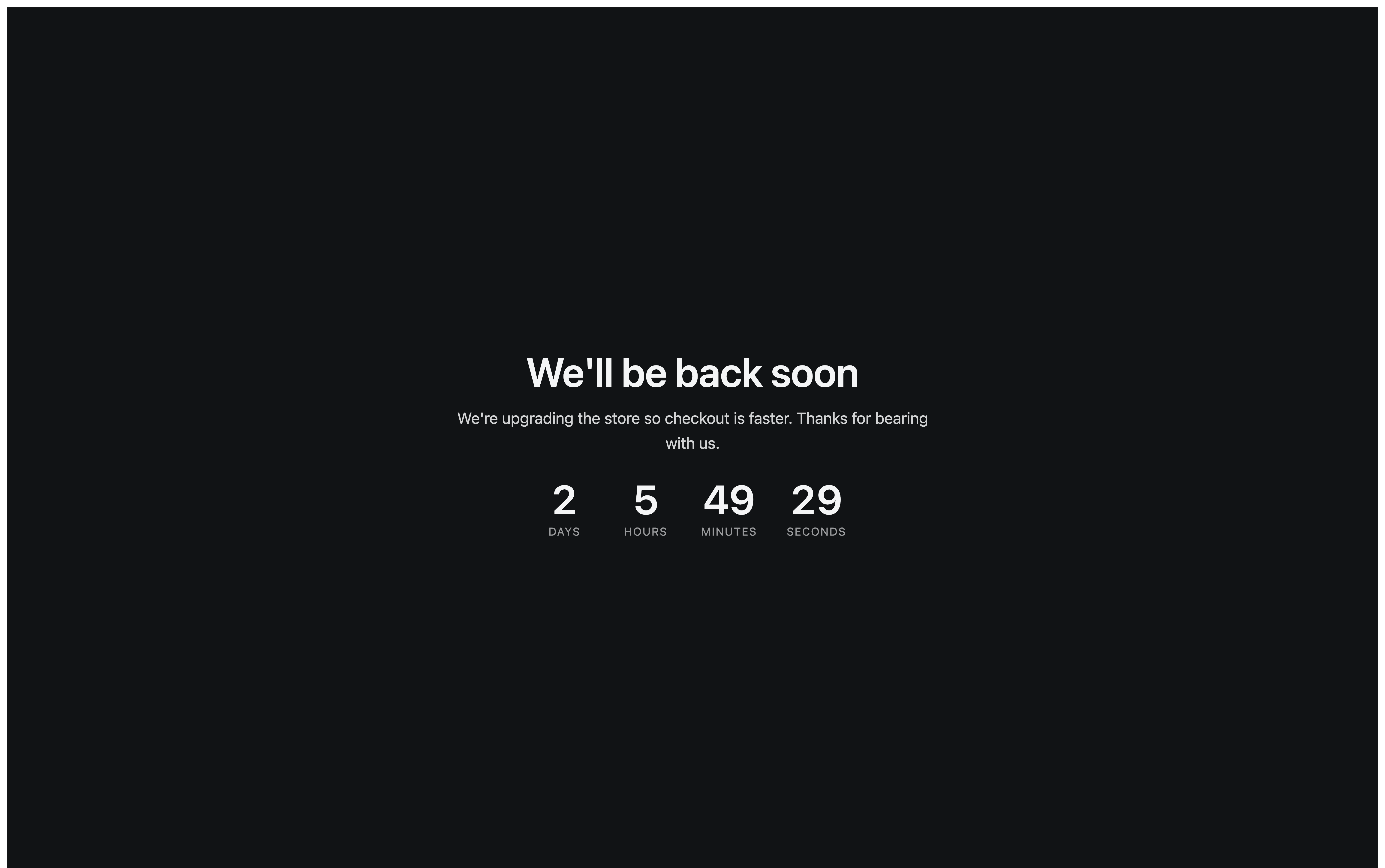
- A reason, and a return time. Say what is happening and when you will be back, with a countdown that keeps explaining after you close the laptop — and a message of your own if you run over, rather than a timer frozen at zero.
- Staff access. Your team uses the live store while shoppers see the page.
- Selective access. Keep chosen paths — a support page, a status page — reachable throughout.
- One click, both ways. Closing and reopening are the same tick box, so the anxious moment of putting the store back is not a procedure.
When you should not install it: if all you need is a blank password wall and you do not care what it says, Shopify’s built-in page does that for free.
What the app can see
Loman Maintenance Mode asks for one permission: read_themes. It uses it to tell whether the
app embed is switched on in your published theme, which is what the setup checklist
reports.
It does not read your orders, your products, or your customers, and it cannot write to them — it has not been granted the access that would allow it.
It collects nothing at all from your visitors. There is no signup form, no analytics dashboard, and no visitor tracking on the maintenance page. That is a deliberate product decision rather than a gap: a merchant who is closed for two hours is not building an audience, and a maintenance page is the wrong place to ask.
If you do want to collect email addresses while your store is closed — because it has not opened yet rather than because it is being worked on — that is Coming Soon, a different app for a different job.