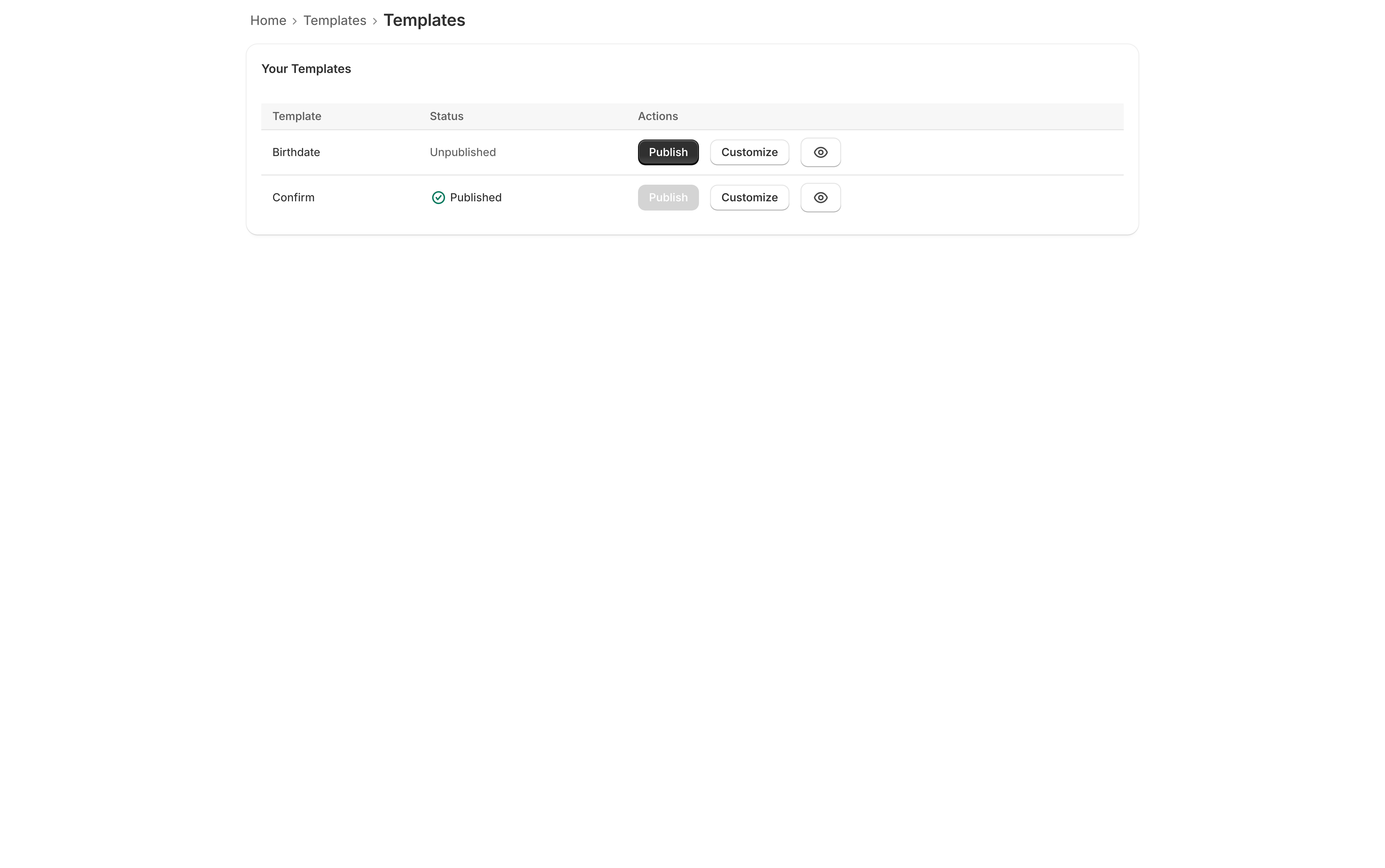
Both designs are added to your store at install, and both are on the Free plan. They are not two skins of one control — they ask the visitor a different question, and which one you need is usually decided by what you sell rather than by taste.
| Confirm | Birthdate | |
|---|---|---|
| What it asks | One button: “I am [age] or older” | A date-of-birth field |
| How long it takes | One tap | A few seconds of typing |
| What the app checks | That the button was pressed | That the date entered works out as old enough |
| If they say no | Decline button → refusal message | A date under the age → refusal message |
| Destination question when a state rule applies | ● | ● |
| Logo, colors, alignment | ● | ● |
| Works with checkout enforcement | ● | ● |
Confirm
A heading, a message, and two buttons. The visitor presses I am [age] or older and the gate comes down.
The decline button — I am under [age] by default — does not close the gate. The visitor sees the refusal message you wrote under the If they decline category and stays out.
Use it when the friction of a date field would cost you more than it buys. A single tap is what most of this category does, and for a store whose whole catalog is age-restricted it asks the only question that matters.
Birthdate
A heading, a message, and a date-of-birth field with an Enter button. The date is checked against the minimum age that applies to this visitor, and a date that works out as too young gets the refusal message you wrote under If they’re too young.
A missing or unreadable date is a different case and is handled differently: the visitor is told “Please enter your date of birth” and asked again. It is a prompt to retry, not a refusal — only a date that reads as under age is turned away.
Use it when you want the visitor to do the arithmetic rather than the button, or when your own policy or your supplier’s expects a date of birth to have been asked for.
Writing [age] instead of a number
Both designs accept [age] anywhere in their text, and the app swaps in the minimum
age that applies to the visitor reading it. A shopper in a 21 state sees “I am 21 or
older”; one in an 18 country sees “I am 18 or older”, from the same design.
Type a fixed number instead and it stops tracking your rules — a gate that says “I am 18
or older” while enforcing 21 is the sort of mismatch nobody notices until a customer
does. Use [age] and change the numbers in Settings → Age thresholds, which is the
one place they live. See Age rules by country and
state.
Switching between them
Customize the other design, then click Publish on it. Your settings on the first one are kept, so switching back is one click and nothing is rewritten.
Switching design never changes which ages you enforce, how the gate is laid over your store, or what happens in an outage. Those are settings on your shop, not on a design, precisely so that changing how the gate looks cannot quietly change what it does.
Both, at once?
No — one design is published at a time, and every visitor sees the published one. Neither plan of this app includes A/B testing, which its sibling Coming Soon sells: splitting traffic between two versions of an age gate is not a test worth running.