Loman Age Verification is a public Shopify app that puts an age question in front of your storefront and keeps the store unreadable until it has been answered — and, on the Standard plan, blocks checkout for any cart that never answered it.
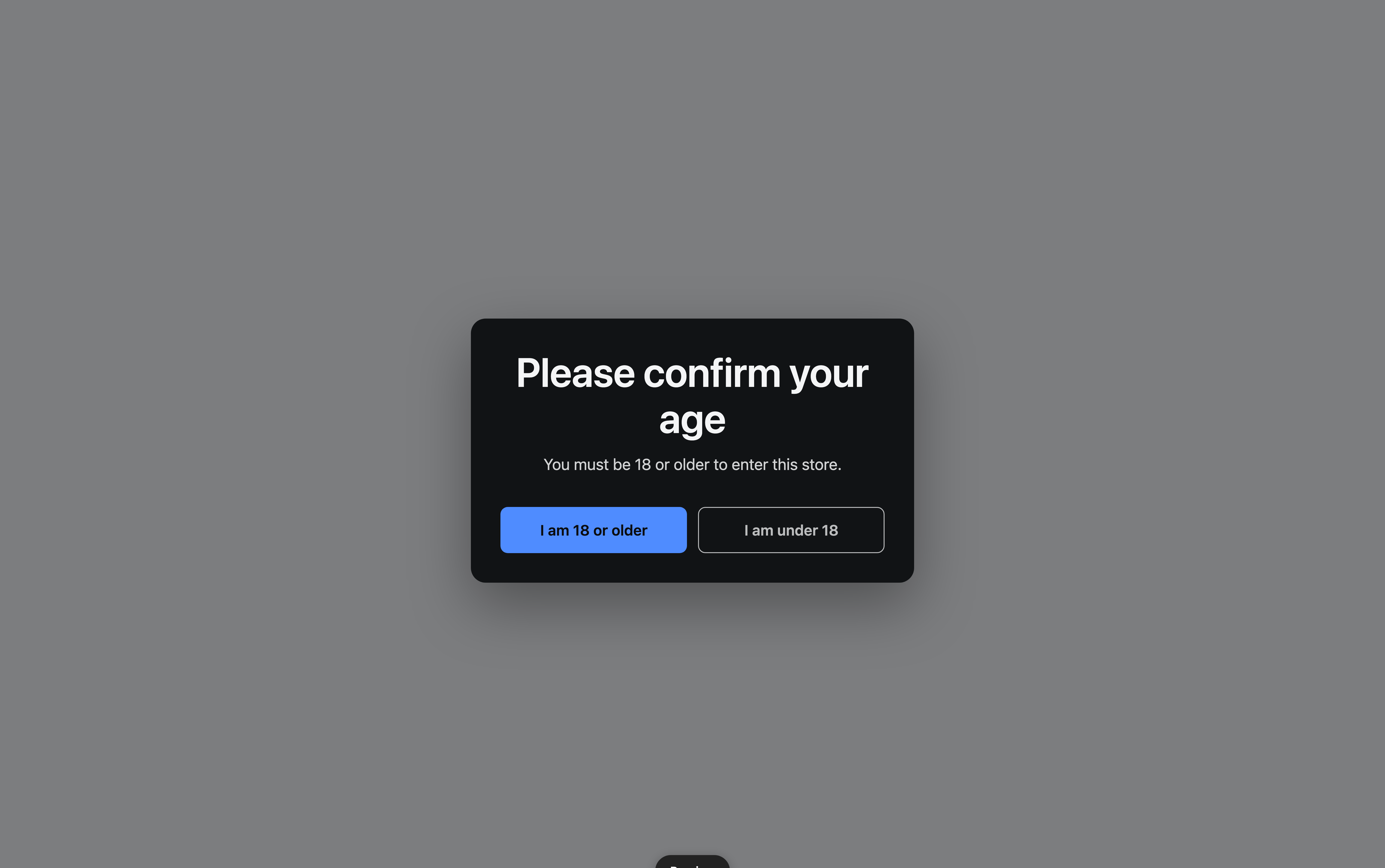
What happens when someone visits
- A visitor requests any page on your storefront.
- The Loman Age Verification app embed, which loads before your theme renders, decides whether this request should be gated.
- If it should, a layer covers the whole window before the page paints, so nothing
underneath is ever readable, and your gate loads into it from
/apps/age-verification— on your own domain, through Shopify’s app proxy. - The visitor answers. If they pass, the layer comes down, their browser keeps a pass so they are not asked again on the next page, and the cart is marked as having cleared the check.
- On the Standard plan, Shopify itself refuses at checkout to complete an order whose cart carries no such mark.
Step 3 is the difference between this app and its siblings. Your storefront still loads. Coming Soon and Loman Maintenance Mode navigate the visitor away to a page, because those stores have nothing to show; yours is open and stocked, and a search engine that renders JavaScript should still be able to read your catalog. So the page is there, under a layer that covers it.
It skips the gate in four cases, all deliberate:
- The path is on your URL allowlist.
- The browser already holds a pass from answering earlier.
- You are in Shopify’s theme editor, or looking at an unpublished theme — you cannot arrange a store from behind a gate.
- You have unticked Show the age gate to visitors on the Home tab.
Two things are running, not one
This is the model worth holding, because most questions about this app resolve to it:
| What it does | Where it runs | |
|---|---|---|
| The gate | Asks the question and decides what a visitor sees | Your storefront, in the visitor’s browser |
| The checkout rule (Standard plan) | Decides what Shopify allows | Shopify’s servers, where a buyer cannot reach it |
The gate can be dismissed by anyone determined enough with browser tools. The checkout rule cannot: it is a Shopify function, it runs on Shopify’s own infrastructure, and it compares the cart against a value only this app can issue. That is what makes an unverified cart unable to complete an order. See Checkout enforcement.
The checkout rule is part of the Standard plan. On Free, only the gate runs, so the gate is the whole check.
On Standard, the two are tied to one switch. Ticking Show the age gate to visitors arms both; unticking it stands both down, so you never end up with a checkout that blocks carts and no gate left to clear them.
What the app can see
Loman Age Verification asks for two permissions and no more: reading your themes, so it can tell whether the app embed is switched on, and writing checkout validations, so it can create and maintain the rule above.
It does not read your orders, your products, or your customers, and it cannot write to them — it has not been granted the access that would allow it.
What it collects from your visitors
It keeps no record of who answered your gate. There is no verification log, no visitor profile, and no identifier written to a shopper’s device that could follow them between visits or between stores.
What exists is one value in the visitor’s own browser storage, saying that somebody on this device passed. It cannot tell one visitor from another, be joined up across shops, or say what anybody answered.
That is a product decision as much as a privacy one: a log of who was asked their age, and what they said, is exactly the kind of shopper data this app is better off never holding.
The honest ceiling
Worth stating plainly, because it decides whether this app is the right tool for you.
What is enforced: on the Standard plan, that the age check ran on this cart and was answered passingly, using a value only this app could have handed over. Checkout will not complete without it. On Free, the gate asks and nothing at checkout checks the answer.
What is not: the app does not establish anybody’s age. A date of birth typed into a form is self-reported, a confirm button is one tap, and somebody who lies is handed a valid pass. Nor does it know who the buyer is — the person completing the order need not be the person who answered.
If your situation needs identity checked rather than asserted, that is a different category of product — the ID-verification apps in the App Store exist to do it, usually at a very different price. And whether an asserted check satisfies any given regulator is a question for someone qualified to answer it; nothing here is legal advice.
What people use it for
- Alcohol, beer, wine, and spirits
- Vapes, e-liquids, and tobacco
- Cannabis and CBD
- Adult product, where the store should not be browsable at all before a check
- Knives, fireworks, and anything else with a local age floor