Coming Soon is a public Shopify app that builds a landing page for your store and sends storefront traffic to it.
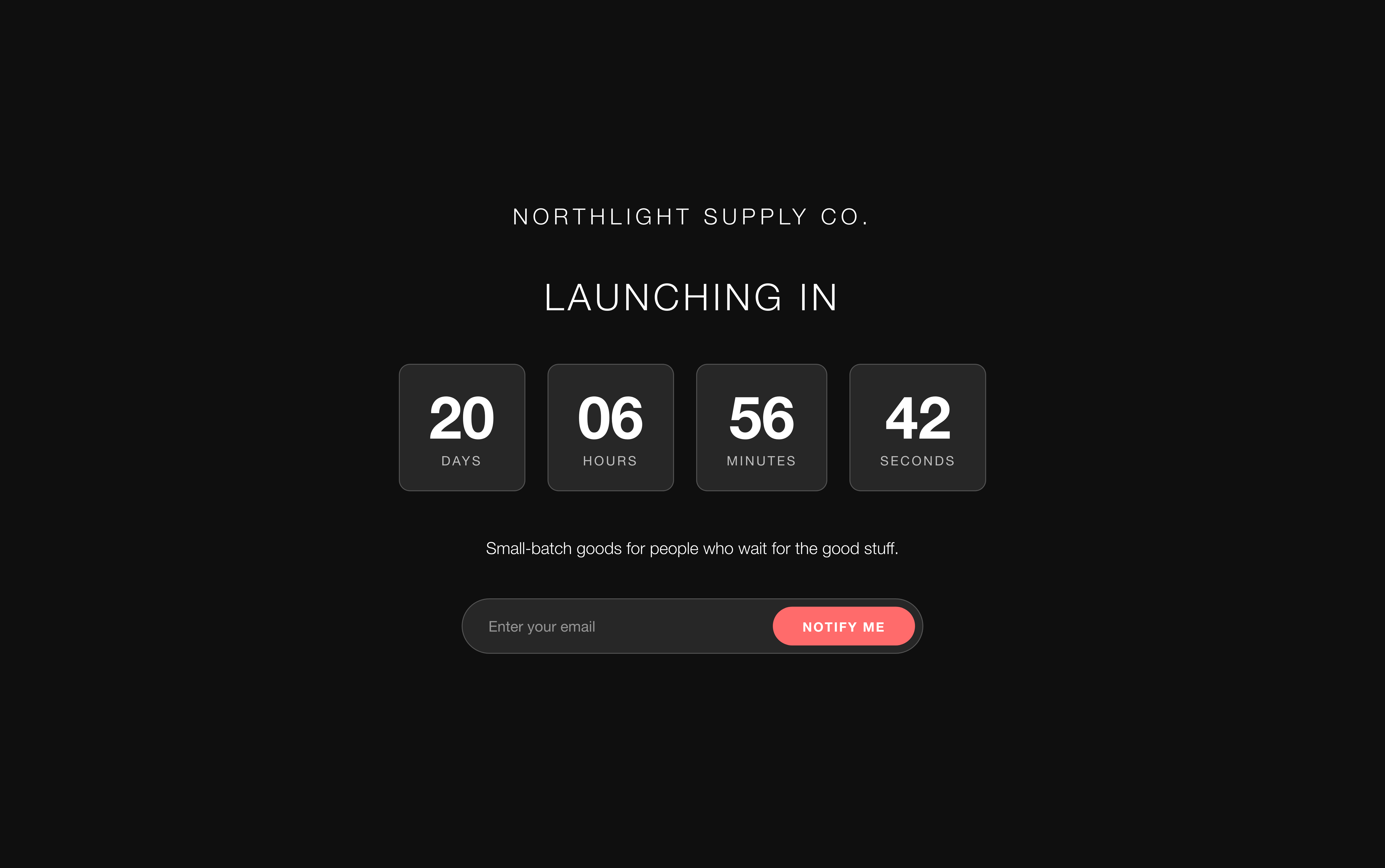
What happens when someone visits
- A visitor requests any page on your storefront.
- The Coming Soon app embed, which loads before your theme renders, checks whether the page should be shown.
- If it should, the visitor is sent to
/apps/coming-soon— your published template, served from the app. - If the requested path is on your allowlist, or the visitor has already entered your password, they carry on to the normal storefront instead.
Because the page is served through Shopify’s app proxy, it lives on your domain. The visitor never leaves your store, and your SSL certificate, domain, and tracking all behave normally.
What people use it for
- Collecting an email list while the store is being built
- Restricting access before a drop, on a one-off or recurring basis
- Communicating a launch date with a countdown
- Building anticipation with a branded page instead of a blank one
- Giving specific people early access with a password
How it differs from Shopify’s password page
Shopify includes a free store-wide password page, so it is fair to ask what you are paying for.
What you get here that you do not get there:
- A page you design. Templates, colors, typography, logo, background imagery, video — edited with live preview and no code.
- Email capture that goes somewhere. Signups land in a list inside the app, are also created as Shopify customers, and can be exported to CSV. Shopify’s page has no signup form.
- Analytics. Page views, unique visitors, device split, referrers, and what share of visitors sign up.
- A/B testing. Run two versions of the page and see which converts better.
- Selective access. Let specific URLs through while the rest of the store stays closed.
When you should not buy it: if all you need is a password field over a plain background, Shopify’s built-in page does that for free and does it well.
What the app can see
Coming Soon needs permission to write customers, so that the signup form on your page can create them. It reads your shop’s basic details — name, domain, timezone — to render the page and to resolve countdown deadlines correctly.
It does not read your orders, your products’ pricing, or your customer list beyond the signups it creates itself.